Common Mistakes That Leak Your Home Address Online
You have never typed your home address into a public web page on purpose. And yet, in most cases, it is already out there — spread across property records, people-search sites, marketplace profiles and app settings that were switched on by default when you signed up. The leak is rarely dramatic. It is a hundred small, reasonable decisions that each seemed harmless at the time.
The good news: address exposure is one of the easier privacy problems to reduce, because so much of it is fixable with settings and habits rather than technical skill. Here is where it typically comes from, and what to do about each source.
The People-Search Sites You Never Signed Up For
Data brokers scrape public records, loyalty programs, social profiles and old directory listings, then bundle the results into a profile with your name, age, phone number, relatives and current or past addresses. Some offer to hide that profile for a fee, which is a business model built on creating the problem it solves.
Start by searching your full name plus your city, and your phone number on its own. Then search your name plus "address." You will likely find a handful of sites you have never heard of.
- Use each site's own opt-out form rather than a third-party removal service you have not vetted.
- Some ask for ID. Send the minimum required, and use an email alias you can delete later.
- Give a mailing address you control — a PO box or mailbox service — if they ask for correspondence.
- Expect reappearance. New records get scraped, and old profiles regenerate. Recheck every few months.
While you are at it, stop feeding the machine. Use a separate email address and phone number when signing up for reward cards, sweepstakes, warranty registrations and app trials. Those are common sources for broker data.
What Public Records Publish About You
Property deeds, mortgage filings, voter registration, court records and business registrations are often public by law, and they are frequently searchable online. You cannot usually delete them, but you can sometimes limit what gets attached to your name.
A few practical moves:
- If you register a business, use a registered agent or a commercial mailing address instead of your home. Home-based sole proprietors often list their residence without realizing how far that filing travels.
- Check whether your local voter registration allows an alternate mailing address, and whether your jurisdiction lets you redact details. Rules differ widely.
- For court or property records, ask the clerk whether a redaction or address confidentiality program applies to your situation. Some regions offer these for certain professions and for survivors of stalking or abuse.
Because the rules vary by state, county and country, treat local guidance as authoritative. If your safety depends on keeping an address private, speak with a lawyer or a local victim-advocacy service before assuming an opt-out worked.
Settings That Publish Your Address by Default
This is where most accidental exposure happens, because the defaults favor convenience over privacy. Walk through these with fresh eyes:
- Marketplace and classifieds listings. Neighborhood or pickup-area maps narrow you down to a few blocks. Choose a public meeting point when you can.
- Home-based business profiles. A Google Business Profile or Facebook page for a home business can display a service area — or a pin.
- Fitness and route-tracking apps. Public activity that starts and ends at your front door draws the map for you. Set routes to private.
- Wish lists and registries. Some are public by default, and combined with a name they can point to a shipping area.
- Delivery and ride apps. Saved addresses sync across devices, and some features let you share live location with contacts indefinitely.
- Social profiles. City-level is safer than neighborhood, but posting from a local group plus a house photo can finish the job.
Photos and Posts That Give Away Your Street
Look at your own photos the way a stranger would. House numbers by the door. A street sign in the background. Mail on the kitchen counter. A distinctive porch or paint color that shows up in a neighbor's listing photos too. Parking stickers and license plates. Reflections in a window that show the building across the street.
Photo metadata is a related issue. Most major platforms strip GPS coordinates on upload, but files sent directly by email, posted to forums or shared through cloud folders may still carry them. On phones, you can disable location tagging for the camera entirely, or strip metadata before sharing.
The real-time habit
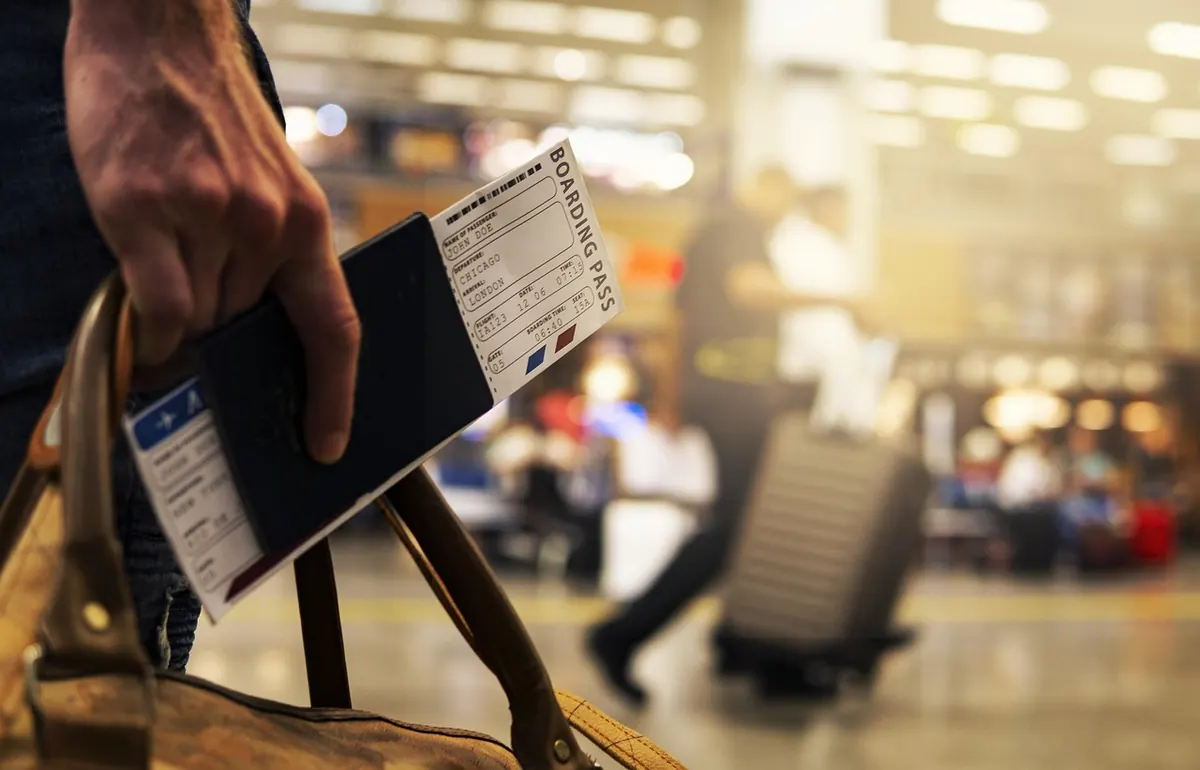
Posting as things happen is the most common way people confirm an address they were only guessing at. A "we're off to the airport" post with a week of silence tells anyone watching that the house is empty. Post trip photos after you are home, and keep vacation plans within a trusted circle.
Everyday Habits That Confirm the Guess
Some exposure comes from routine, not settings. A return address on a resale package that ships from your porch. A Google review that names your apartment building. A pet registry or a school directory. A recycling bin with your surname on the curb. A quiz or meme that asks for your street name as a joke.
None of these matter much alone. Together, they turn a vague profile into a confident answer.
When You Must Share It, Share It Differently
You cannot avoid giving an address forever. You can avoid giving this one. A PO box or a commercial mailbox that provides a street-style address works as a public-facing address for correspondence, online forms and business filings. Package lockers handle deliveries without a home drop. A secondary phone number and email alias keep your primary ones out of signup databases.
For in-person exchanges, meet in a public place during daylight. If someone insists on coming to your home, that is information worth having about them.
A Simple Quarterly Cleanup
Put a recurring reminder in your calendar and work through this list. It takes about an hour.
- Search your name, phone number and address; note any new results.
- Submit opt-outs to the people-search sites you found.
- Review marketplace, social and fitness app privacy settings, including location sharing.
- Check the photo permissions and location tagging on your phone's camera.
- Request redaction where local rules allow it.
- Remove your address from any profile where a mailing address or public contact field exists.
If you are worried the exposure has already been used against you — unfamiliar credit inquiries, mail you did not request, accounts you did not open — that is an identity theft issue, not just a privacy one. Contact your bank, place a fraud alert or credit freeze, and get advice from a consumer protection agency or a lawyer in your jurisdiction.
You will not get your address fully offline. You can make it boring to find, hard to confirm and useless to act on — and that is usually enough.
Photo: Jakub Zerdzicki / Pexels


You Might Also Like
Street cameras arrive with little notice. Here's how to map what your city installed, request the paperwork, find real opt-outs and organize neighbors around it.
Shared vaults, emergency access, syncing and easy setup decide whether a family password manager actually gets used. Here's what to compare before you commit.