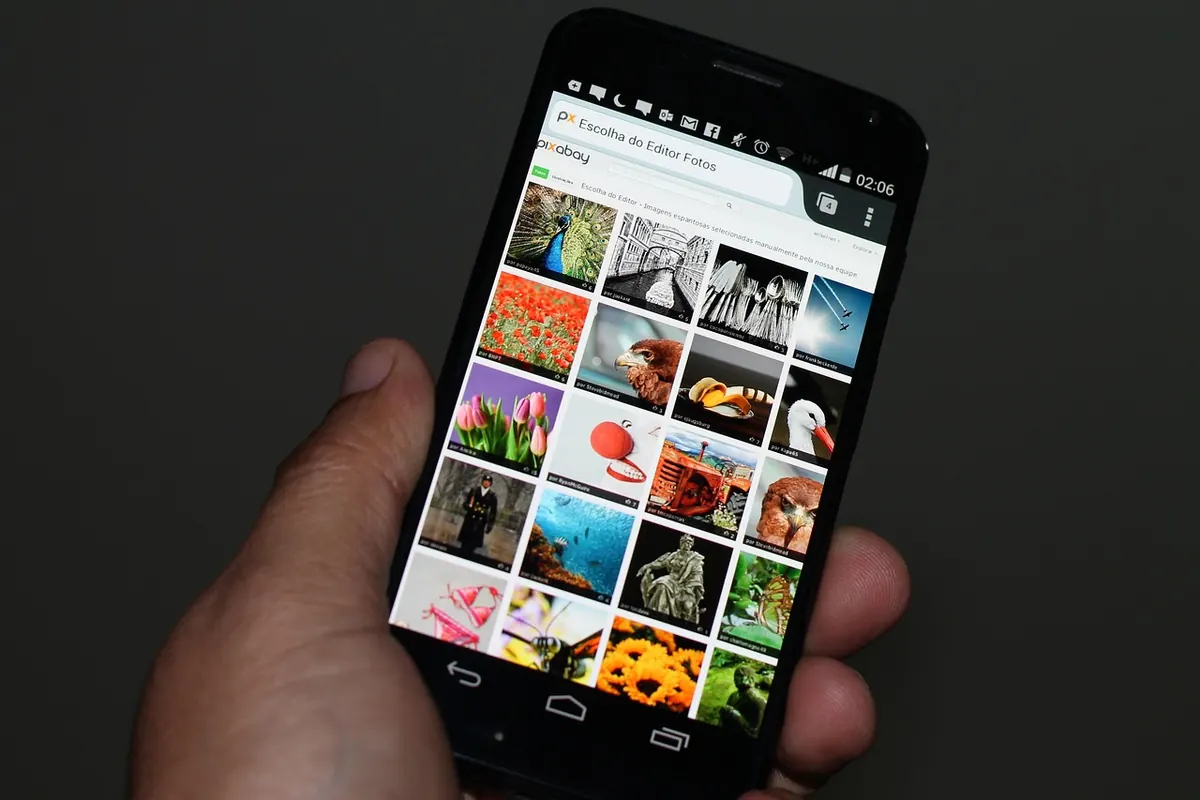
Digital Rights Explained: Do You Own Your Cloud Photos?
You took the photo. You own the copyright. And yet the file sits on a server belonging to a company that can move it, scan it, compress it, or lock your account tomorrow. All three things are true at once, and that contradiction is where most people get confused.
Sorting out what you actually own in the cloud comes down to separating three questions: who holds the copyright, what you agreed to in the terms of service, and what privacy law says about the data. They overlap, but they are not the same track — and mixing them up leads to bad decisions.
Copyright and control are different things
In most countries, copyright in a photo exists the moment it is created. You do not need to register it or add a watermark. The copyright stays with you unless you sign it away in writing, which is why most platforms go out of their way to say you keep ownership of your content.
But copyright is not the same as control over a copy. A physical print you hand to a friend is still your copyrighted work and no longer your print. Cloud storage works the same way. Uploading a file does not transfer your copyright; it hands the provider a copy, and that copy lives on equipment subject to a contract you accepted without reading.
Registration matters mainly for enforcement. In the United States, registering a work with the Copyright Office is generally a prerequisite to filing an infringement suit and can affect the damages available. Elsewhere, proof of authorship is usually enough. If a real dispute is on the table, a lawyer in your jurisdiction is the right first call.
What you agree to when you tap "I accept"
Nearly every cloud provider asks for a license to your content. Standard phrasing covers hosting, storing, reproducing, transcoding into different formats, generating thumbnails, and displaying your files back to you and to anyone you share with. Providers also typically reserve the right to pass content to contractors and vendors who run parts of the infrastructure.
That license is usually non-exclusive, meaning you can still post the same photo elsewhere, and it usually ends when you delete the file — with a lag.
The license that is normal, and the license that is not
A license limited to operating the service is ordinary and hard to avoid. A license that allows marketing use of your content, or that survives deletion indefinitely, is a different animal and worth noticing. Look for the section titled "Your Content," "Your Materials," or "License." Then look for the words perpetual, irrevocable, sublicensable, and commercial. Each one changes the deal.
Also check what the provider says it may do with your library internally. Face grouping, object search, and automatic album creation mean software is reading your images. That may be fine with you, and it is reasonable to want it stated plainly rather than buried.
You grant a license, you do not lose your rights
A persistent myth is that posting a photo publicly puts it in the public domain. It does not. Public domain means copyright has expired or been waived outright, and platforms do not do that. Public visibility means people can look; it does not mean they can reuse your photo commercially without permission.
Another myth: deleting a post reverses everything. Copies travel. Someone may have downloaded the file, and backups and caches can hold it after the original is gone. Deletion reduces exposure; it does not erase the past.
Privacy law runs on a separate track
Copyright tells you who owns the work. Privacy law tells you what the company may do with the data — and photos of identifiable people count as personal data under regimes like the GDPR in Europe and the UK.
Those laws generally give you rights to access a copy of your data, correct it, delete it, restrict some processing, object to certain uses, and receive it in a portable format. You can also complain to a data protection authority. In the United States, there is no single federal consumer privacy law; a patchwork of state laws applies, with rights and thresholds that vary by state and by company size. The practical upshot: know which rules cover you before you send a demand letter.
Encryption changes the picture again. If the provider holds the keys, it can usually access your files and can be legally compelled to hand them over. Client-side encrypted services reduce that exposure, at the cost of features that need to read your content — search, deduplication, and some sharing conveniences. Lose the key and the data is gone for good.
Sharing, syncing, and connected apps
Most unintended exposure happens here, not in the terms of service.
- Shared albums and links. A link "anyone with the URL can view" is a bearer token. Forward it once and you have lost track of who holds it.
- Sync versus backup. Sync copies deletions everywhere. Delete a photo on your phone and it may vanish from the cloud too.
- Third-party access. A photo editor that requests your entire library is not asking for the one picture you wanted to crop.
- Metadata. EXIF data can carry GPS coordinates, camera details, and timestamps. Some services strip it on upload; many do not.
What happens when the account ends
Accounts get suspended, closed, or abandoned. Inactive-account policies can delete content after long periods of silence. If a provider shuts down a product, you may get weeks of notice to export. Read the export tool once while you do not need it: most major providers offer a bulk download of your data, but exports can take days and arrive in awkward formats.
Plan for the unglamorous scenarios. Use a legacy contact or a documented access plan if the service offers one, and keep credentials in a password manager with an emergency-access feature. For estate planning, talk to a lawyer about how digital assets are handled where you live.
A practical routine that keeps you in control
- Read the "Your Content" clause once per provider and note whether marketing use or perpetual terms appear.
- Keep a local master copy of anything irreplaceable, on a drive you own. Cloud is a second location, not the only one.
- Turn off automatic sync for your most sensitive folders and back them up deliberately instead.
- Audit shared links and connected apps twice a year and revoke what you no longer use.
- Test the export tool before you need it, and check that the download opens.
You own your photos. What you give away is access, and access is negotiable — at sign-up, in settings, and in how you choose to store the originals. None of this is legal advice for your specific situation; if a dispute or an estate question is real, get a professional involved. The rest you can handle yourself, one setting at a time.
Photo: wilkernet / Pixabay

You Might Also Like
Street cameras arrive with little notice. Here's how to map what your city installed, request the paperwork, find real opt-outs and organize neighbors around it.
Shared vaults, emergency access, syncing and easy setup decide whether a family password manager actually gets used. Here's what to compare before you commit.