Holiday Travel Privacy Guide: Secure Your Phone Before You Leave
You are already running late when you realize your boarding pass, hotel booking, bank app, and the only phone number your family has for you all sit behind one passcode. That convenience is fine on an ordinary Tuesday. On a holiday trip, it turns your phone into a single point of failure — the kind that gets handed to a stranger at a luggage scale or left on an airport charging counter. Twenty minutes of preparation before you leave cuts most of that risk, and it is the same routine every time.
Start With a Twenty-Minute Audit
Before you pack anything, install the software updates you have been ignoring. Update the operating system and your most sensitive apps — banking, email, password manager, messaging. Security fixes ship with these updates, and an outdated browser or messaging app is the easiest thing for someone to exploit on a hostile network.
Then think about what the phone is carrying. A phone that gets stolen is not just a phone; it is a wallet, a photo album, and a key to your email. Open your photo library and search for images of passports, driver's licences, insurance cards, and vaccine records. If you do not need them on the trip, move them to an encrypted folder at home and delete the copies on the phone. Do the same with screenshots — old two-factor codes, banking confirmations, and rental agreements accumulate quietly.
Lock Down the Lock Screen
Most of the damage from a lost phone happens because too much is visible or reachable before anyone enters a passcode.
- Switch to a six-digit passcode or longer. Four digits is guessable in a way six is not.
- Turn off notification previews on the lock screen. A visible code from your bank or email is a gift.
- Disable the voice assistant on the lock screen, and disable Control Center or quick settings access when locked.
- Turn off access to your wallet app and any "show cards when locked" setting.
- Enable USB Restricted Mode (iPhone: Face ID & Passcode settings) or turn off USB debugging (Android), so a plugged-in device cannot pry at your data.
- Set the screen to lock after 30 seconds or a minute, not five.
Consider the "erase after ten failed attempts" option carefully. It protects your data, but if a child or a stranger fumbles your phone, you lose the ability to track it.
Shrink the Data You Carry
A travel phone does not need to be a second phone. It just needs fewer open doors. Sign out of apps you will not use — shopping, streaming, food delivery, work chat — and sign back in when you get home. Each logged-in app is another session token sitting on a device that may end up in someone else's hands.
Check your saved payment methods. If your phone holds five cards, keep one for the trip and remove the rest, or set up a virtual card number through your bank if it offers one. If you keep a photo of your passport for emergencies, put it in an encrypted notes app or a password manager, not in the camera roll. And before you leave the house, copy your phone's IMEI number and your carrier's support line into a notebook or send them to an email account you can open from any device. If the phone disappears, you will want both immediately.
Accounts and Backups
Two-factor authentication is the strongest protection you have, but the delivery method matters. SMS codes can be intercepted through a SIM swap, where someone convinces your carrier to move your number to their SIM. If your bank, email, or password manager offers an authenticator app or a hardware key instead of text messages, switch before you travel. Print or write down your recovery codes and leave them somewhere that is not in the same bag as your phone.
Confirm your backups are encrypted and that you actually know the password. On iPhone, enable Advanced Data Protection if it suits you; on Android, check that your Google account backup is on. Then do a test: can you open your email and password manager from a laptop or a friend's device? That single check turns a disaster into an inconvenience.
Airports, Hotels, and Borders
Use your own charger in a wall outlet, or carry a power bank so you never need a public USB port. Prefer your phone's hotspot over open airport Wi-Fi; when you do use hotel Wi-Fi, stick to sites with HTTPS and save logins to your banking or work accounts for your own connection. Turn off auto-join for open networks, and forget each network when you leave.
Tip: before every trip, disable Bluetooth and NFC when you are not using them, and rename your device so it does not broadcast your full name to everyone nearby.
At borders, rules differ widely. Some countries can ask you to unlock a device or hand over passwords; others cannot. Look up the rules for your destination before you fly, and if you would rather not carry your full digital life across a border, travel with a stripped-down phone and leave the rest at home. For anything that touches legal or immigration questions, check the official guidance from your destination country or speak to a qualified adviser.
If the Phone Is Lost or Stolen
Act in this order. Speed matters more than perfection.
- Open Find My (Apple) or Find My Device (Google) from another computer or phone. Mark the device as lost, which locks it and suspends contactless payments.
- Change the password on your primary email account first. Everything else — banking, social, shopping — resets through it.
- Sign out of all active sessions in your email, password manager, and major accounts.
- Call your carrier to suspend the SIM or eSIM so nobody can receive your codes.
- Notify your bank and freeze your cards using another device or a phone call.
- File a police report. Insurers and carriers usually ask for it, and you will need the IMEI.
- Erase the device remotely only when you are confident it will not come back. Erasing ends your ability to track it.
If money, insurance, or legal liability is involved, follow up with your bank or insurer directly and get advice specific to your situation.
A Ten-Minute Pre-Departure Checklist
Run this the night before you fly, and it becomes automatic after a trip or two.
- Updates installed; passcode at six digits or more.
- Lock screen notifications, assistant, and wallet access switched off.
- Sensitive photos and screenshots removed.
- Unused apps signed out; extra cards deleted.
- Authenticator app or hardware key active; recovery codes stored away from the phone.
- Backup tested from a second device; IMEI and carrier number written down.
- Power bank packed; auto-join for open Wi-Fi off.
None of this takes long, and none of it requires special tools. The point is simply that a stolen phone should cost you a phone — not your accounts, your money, and the first two days of your holiday.
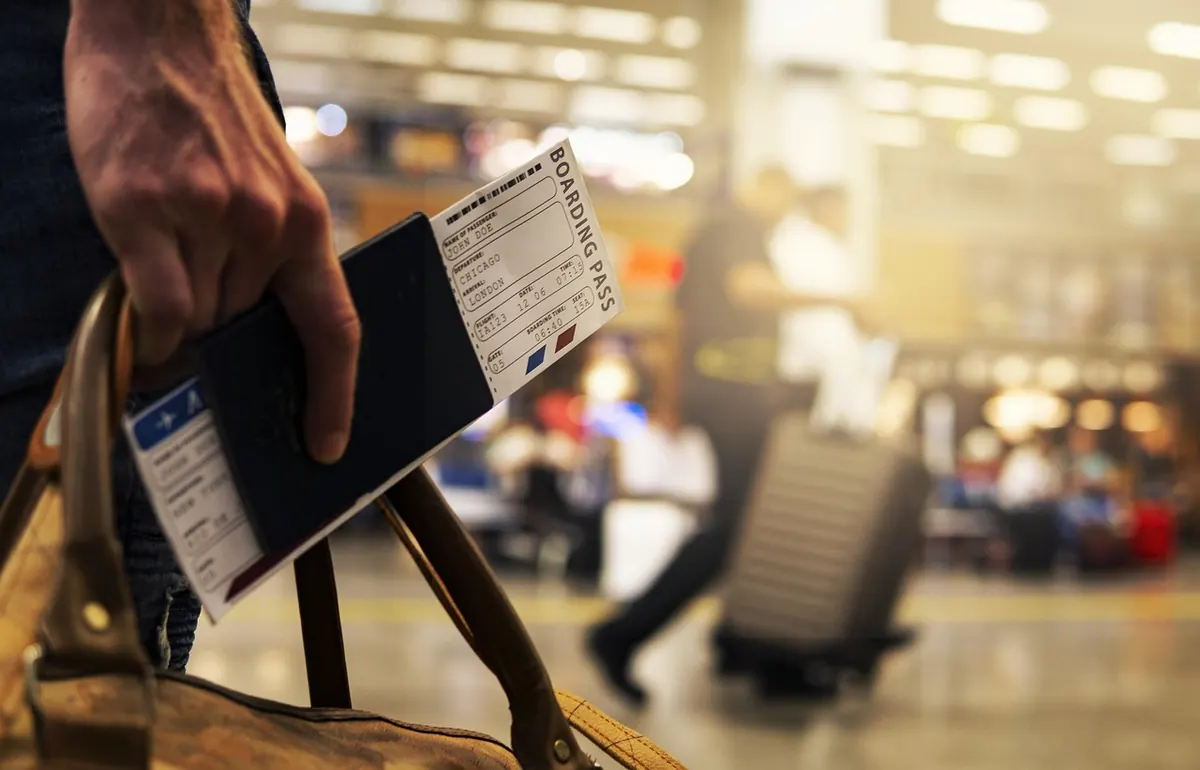
Photo: JoshuaWoroniecki / Pixabay

You Might Also Like
Street cameras arrive with little notice. Here's how to map what your city installed, request the paperwork, find real opt-outs and organize neighbors around it.
Shared vaults, emergency access, syncing and easy setup decide whether a family password manager actually gets used. Here's what to compare before you commit.